Tiếng Việt
Technical Support
FactoryTalk View SE: Activation not working
Summary
FactoryTalk View SE: Activation not working
Problem
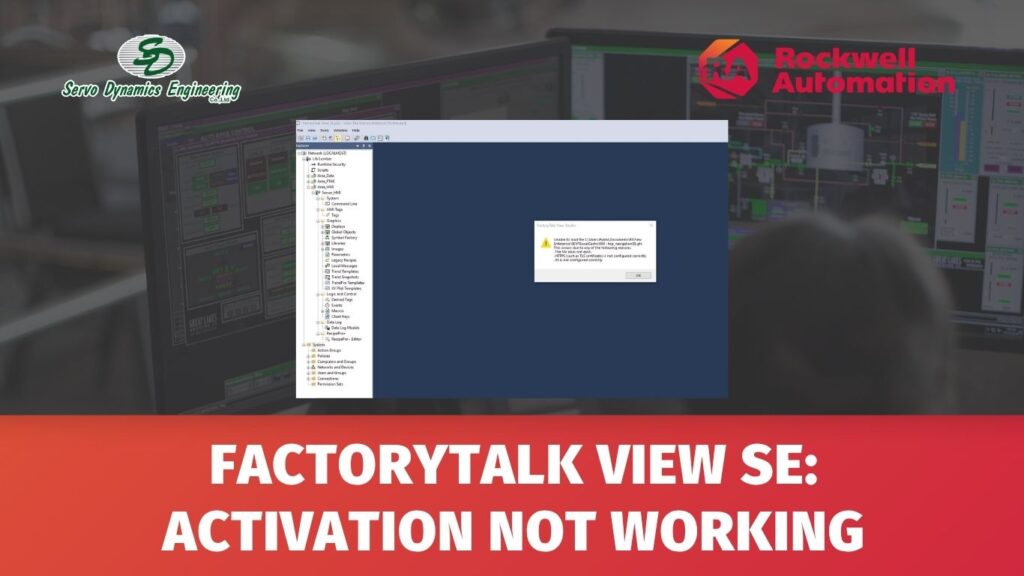
Trying to open FactoryTalk View SE, and I am getting an error message:
Environment
FactoryTalk View SE
Error Code/Message
This product has not been activated successfully.
Solution
Please check the type of your license. It is a common mistake to try to edit projects while having only runtime license or vice versa.
FactoryTalk View SE software installs all components, but the license you have determines which components you can run.
There are 4 types of licenses for FactoryTalk View SE:
- FactoryTalk View Studio for FactoryTalk View Enterprise: This is a development license where you create your projects.
- FactoryTalk View Site Edition Server: It hosts your projects.
- FactoryTalk View Site Edition Client: This license allows remote machines to connect to the server.
- FactoryTalk View Site Edition Station: This package contains both the Server and Client components. It must be launched locally on the same computer and does not allow for remote connections.
For more detailed information please check the following Knowledgebase articles:
- QA10834 – How to start/stop FactoryTalk View SE Service
- IN1262 – List of FactoryTalk View SE Activations
- IN1066 – FactoryTalk View Site Edition (SE) Distributed Application Activation keys
Source: Rockwell Automation’s Technote database.