Tiếng Việt
Technical Support
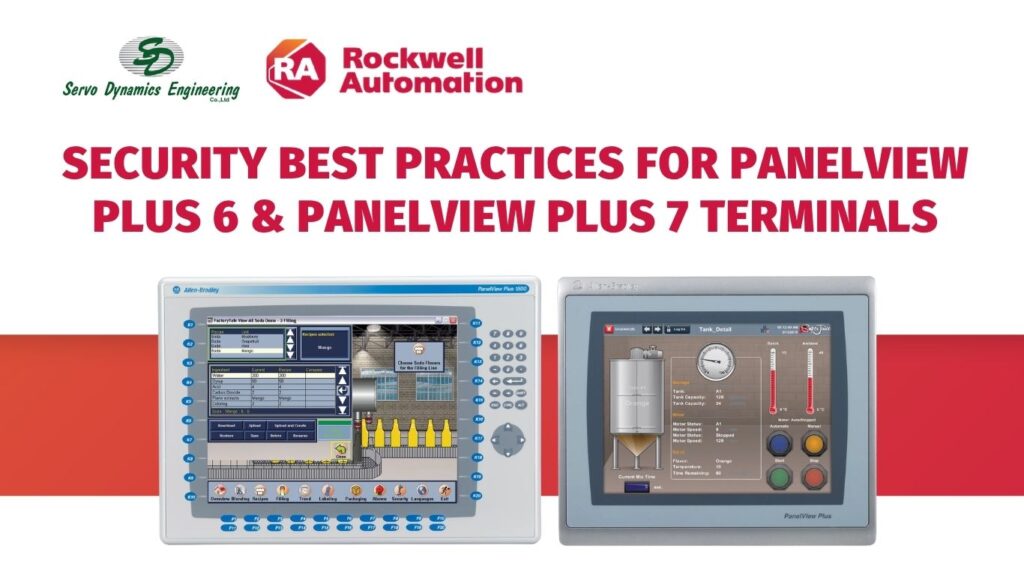
Security Best Practices for PanelView Plus 6 & PanelView Plus 7 terminals
Summary
Security Best Practices for PanelView Plus 6 & PanelView Plus 7 terminals
Content
This article is a summary of security best practices that should be followed when using PanelView Plus 6 and/or PanelView Plus 7 products. Included is general security guidelines that should be followed for any industrial automation equipment and then specific information on PanelView Plus products.
Industrial Automation Security Best Practices
The Rockwell Automation Security Team has developed an Industrial Automation Security best practices guide. This guide sets a foundation for security best practices that should be followed when using all industrial control products including PanelView Plus terminals.
This guide can be accessed at:
QA43240 – Recommended Security Guidelines from Rockwell Automation
PanelView Plus 6 and PanelView Plus 7 Features
The items listed below are specific PanelView Plus features that should be reviewed to ensure they are properly configured for your application requirements and/or security requirements.
File Server (SMB)
- What is this:
- A network protocol that provides shared access to files, printers, serial ports, and miscellaneous communication between computers on a network.
- Things to be aware
- Disabled by default on PanelView Plus terminals
- To enhance product security:
- Disable this service on the terminal if it is not being used
- Use a firewall to filter inbound connections to the terminal, and only allow connections from trusted IPs and hosts
For more information on how to implement the items listed above, please see:
QA42827 – How to disable Services for PanelView Plus 6 & PanelView Plus 7 terminals
FTP Server
- What is this:
- File Transfer Protocol (FTP) is a standard network protocol for exchanging files over the Internet (TCP/IP-based network).
- Things to be aware of:
- FTP uses clear text passwords
- Enabled by default on PanelView Plus terminals
- FTP transfers unencrypted files
- To enhance product security:
- Disable this service on the terminal if it is not being used
- Use NTLM Authentication
- Limit the number of NTLM users that can access the FTP server. List of NTLM users that may use FTP are defined on the terminal.
For more information on how to implement the items listed above, please see:
QA42827 – How to disable Services for PanelView Plus 6 & PanelView Plus 7 terminals
UPnP Server
- What is this:
- Universal Plug and Play (UPnP) is a set of networking protocols that lets devices install and connect to a network.
- Things to be aware of:
- Enabled by default on PanelView Plus terminals.
- To enhance product security:
- Disable this service on the terminal if it is not being used.
For more information on how to implement the items listed above, please see:
QA42827 – How to disable Services for PanelView Plus 6 & PanelView Plus 7 terminals
ViewPoint Server
- What is this:
- A web server application that provides remote user access via a web browser to the FactoryTalk View Machine Edition HMI application that is running on the terminal. ViewPoint software is a Rockwell Automation product.
- Things to be aware of:
- Enabled by default on PanelView Plus terminals
- When utilizing PanelView Plus with FactoryTalk Viewpoint, add ViewPoint.Server.LDPoolGateway.exe to the Windows Firewall Program and Services list.
- To enhance product security:
- Disable this service on the terminal if it is not being used.
For more information on how to implement the items listed above, please see:
QA42827 – How to disable Services for PanelView Plus 6 & PanelView Plus 7 terminals
VNC Server
- What is this:
- Virtual Network Computing (VNC) is a graphical desktop sharing system that you can use to remotely view or control another computer. It transmits keyboard and mouse events from one computer to another, over a network.
- Things to be aware of:
- Disabled by default on PanelView Plus terminals.
- Traffic, including the password and storage of the password, is unencrypted.
- To enhance product security:
- Disable this service on the terminal if it is not being used.
- Configure for View-Only mode.
- Enable security, with separate passwords for View-Only mode and Control mode.
- Do not reuse passwords.
For more information on how to implement the items listed above, please see:
QA42827 – How to disable Services for PanelView Plus 6 & PanelView Plus 7 terminals
Web Server
- What is this:
- The web server delivers content, such as web pages, by using the HTTP protocol over the web.
- Things to be aware of:
- Enabled by default on PanelView Plus terminals.
- To enhance product security:
- Disable this service on the terminal if it is not being used.
For more information on how to implement the items listed above, please see:
QA42827 – How to disable Services for PanelView Plus 6 & PanelView Plus 7 terminals
Windows CE Desktop
- What is this:
- Provides graphical user interface to additional desktop applications such as Internet Explorer, Media Player, Word Pad text editor, Power Point viewer, Word viewer, Excel viewer, PDF viewer, Image viewer
- Things to be aware of:
- The Windows CE desktop allows access to Control Panel Applets that have the ability to enable services which may not be needed for the HMI application.
- To enhance product security:
- Limit access to the Windows CE desktop via the use of a password.
- Configure the terminal to boot up into a FactoryTalk View Machine Edition HMI application.
- Upgrade to the latest firmware.
For more information on how to implement the items listed above, please see:
BF22664 – PanelView Plus 6/PanelView Plus 7: prompts for password change after upgrade of firmware
Firmware Upgrade Wizard
- What is this:
- The Firmware Upgrade Wizard (FUW) is used to upgrade/downgrade the terminal’s firmware. The FUW is a Windows application that executes on a customer’s PC, outside of the PanelView Plus terminal. The FUW can upgrade a terminal’s firmware either via a network connection or via a special Firmware Upgrade Package (FUP) that is placed on a USB drive or SD card.
- Things to be aware of:
- The FUP is not signed by Rockwell, but the Rockwell executables are signed.
- Secure Application Execution Mode is disabled by default.
- If Secure Application Execution Mode is enabled, only Rockwell Automation delivered executables will be allowed to run on the terminal.
- To enhance product security:
- Enable Secure Application Execution Mode if not adding any third party executables or any ActiveX controls.
For more information on how to implement the items listed above, please see: QA43059 – How to enable Secure Application Execution Mode on PanelView Plus 6 & PanelView Plus 7 terminals
Source: Rockwell Automation’s Technote database.