Tiếng Việt
Technical Support, Consulting
[Video] Configure FactoryTalk Alarms and Events E-Mail Notifications
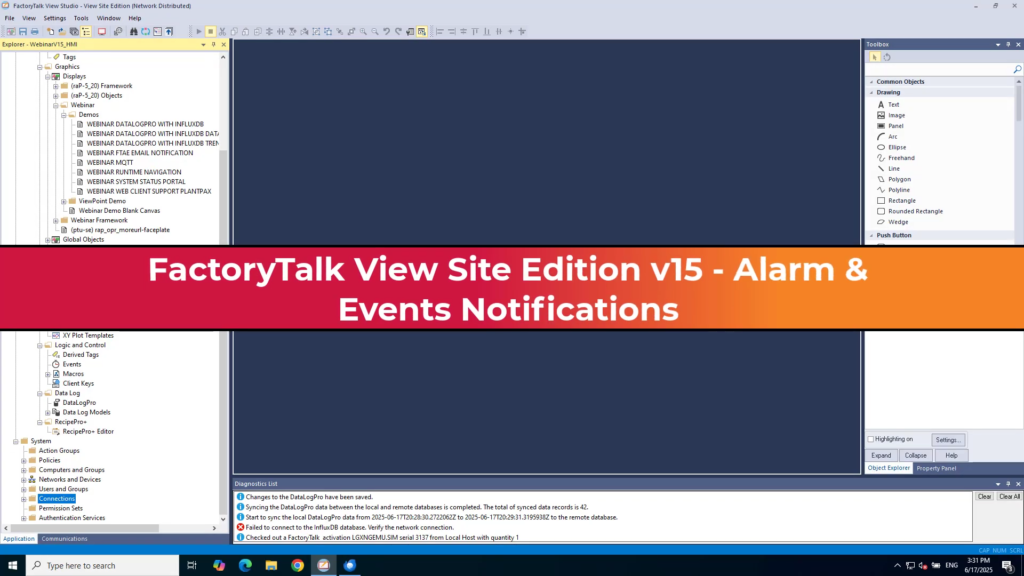
This video from Rockwell Automation demonstrates how to configure the built-in email notification system in FactoryTalk View Site Edition to ensure operators are alerted quickly when alarms and events occur.
Key Configuration Steps:
- Setting up SMTP Policy (0:45 – 2:37):
- Navigate to System > Policies > SMTP Policy.
- Define the SMTP server address, port (typically 25), and authentication method (user credentials, Windows authentication, or no authentication).
- Use the Test SMTP feature to verify the connection by sending a test email.
- Configuring Alarm Email Notifications (2:40 – 5:13):
- Right-click on your application in the project tree and select Alarm Email Notification.
- Create a new rule by defining specific conditions (such as alarm priority) and the alarm scope (selecting specific alarms or tags within the system).
- Define the recipient email addresses to receive the alerts.
- Testing and Runtime Verification (5:39 – 8:25):
- Once a rule is active, alarms triggered at runtime will automatically generate emails containing details such as the alarm name, severity, state, and trigger cause.
- Users can view these notifications via their standard email program or an embedded web browser if utilizing web mail services like Gmail or Yahoo.