Tiếng Việt
Consulting
Troubleshooting PATLITE Signal Tower Lights Errors: Causes, Solutions, and Effective Maintenance Guide
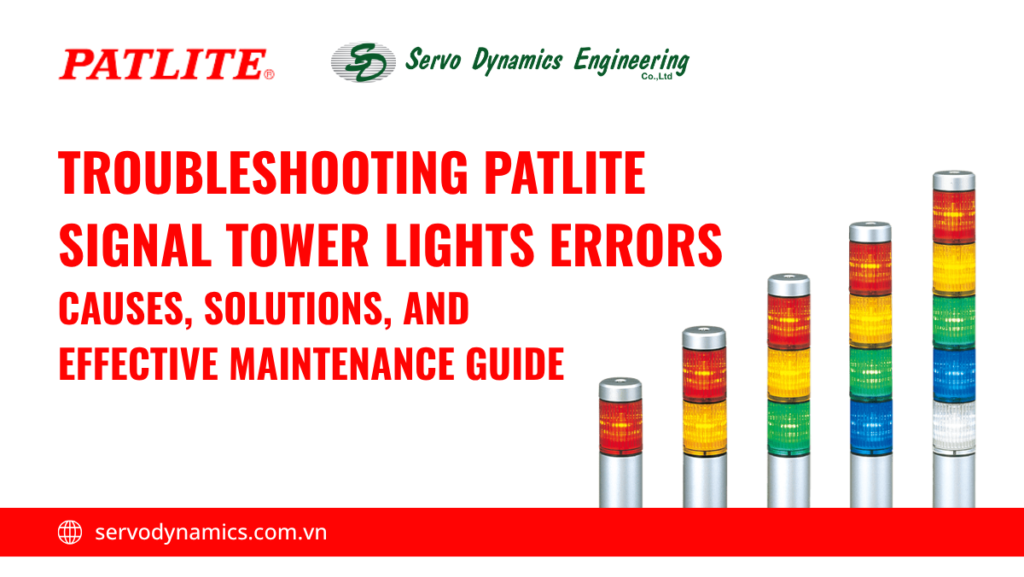
Understanding and identifying common signal tower lights errors not only allows for proactive troubleshooting and minimizes maintenance costs, but also shortens downtime for supplier support, maintaining operational continuity and safety. Below are common errors with PATLITE signal tower lighting equipment and suggested primary solutions from the manufacturer.
Hardware Errors in PATLITE Signal Tower Lights and How to Resolve Them
Common Causes of Signal Tower Lights Hardware Errors
- Loosened or Incorrect Signal Wiring: During machinery vibration or after equipment movement, connection terminals may become loose. Incorrectly connecting the Common wire can also cause the entire signal tower lights to malfunction.
- Faulty LED Module/Bulb: Although LEDs have a long lifespan (approximately 50,000 hours), electrical shocks or high humidity can still burn out the LED chip or damage the driver circuit inside the signal tower lights module.
- PLC Output or Control Signal Faults: Sticky PLC relay contacts or a faulty transistor output will prevent the light from activating.
- Incorrect Voltage (24VDC and 220VAC): Incorrectly supplying AC and DC power, or using an incorrect voltage, can cause the light to malfunction or flicker erratically.
- Internal Contact or Connector Faults: These include loose or improperly fitted connectors; Contacts are oxidized, dirty, or corroded, etc.
LED light bulb receives power but does not light up
Error Identifying signs:
- The status indicator light on the PLC or controller shows the output is ON.
- Use a multimeter to measure the rated voltage (24VDC or 220VAC) at the base or terminal of the light.
- The light does not light up, or some color layers do not light up.
Recommended Troubleshooting Solution:
- Check if the measured voltage matches the required voltage of the tower light.
- For modular products: Remove the modules and check the contacts, clean the contact points with alcohol or RP7 solution.
- Swap the faulty light layer to a working tower light. If the light still does not light up, the LED module has a faulty driver circuit or a faulty LED chip and needs replacement.
LED light bulb receives power but the wrong layer is lit up
Error Identifying signs:
- One layer of the signal tower lights is activated but does not respond, while another layer lights up. Example: Red is activated, but the green or yellow layer is lit.
- The light layer receives the transmission, is activated and lit, but another layer is also dimly lit despite not being commanded to light up. Example: Red is activated, the red layer is lit, but the green or yellow layer is also dimly lit.
Recommended Troubleshooting Solution:
- Check the wiring at the terminal box or intermediate domino. Compare the wire colors of the lights with the wiring diagram of the corresponding light type provided by PATLITE.
- Leakage current may be generated from adjacent ports causing false triggers → check or add a discharge resistor or intermediate relay.
Alarm Not Sounding error:
Error Identifying signs:
- The light still flashes or stays lit according to the error scenario, but no sound is emitted.
- When measured, the voltage at the alarm signal wire is recorded meaning there is running power, but the alarm is silent.
Recommended Troubleshooting Solution:
- Make sure that the power supply is at the correct voltage level required by the alarm.
- Ensure the volume switch is not in the Mute position.
- Check if the Setup page is disabled by the software.
Alarm Sound Error: The Emitting Sound is Low or Unstable
Error Identifying signs:
- The alarm sound is muffled, the volume gradually decreases after a short period of operation.
- The sound is intermittent, similarly to the vibration of the machinery.
Recommended Troubleshooting Solution:
- There might be a possible power outage → check the main power supply.
- Manually check the volume knob on the base of the signal tower alarm.
- If you are using an alarm sound other than continuous beep sound, there will usually be a maximum delay of 0.5 seconds from the time the alarm command is received until the alarm actually sounds. Switch to a continuous beep sound.
- If you are already using a continuous beep sound but the alarm still doesn’t sound consistently, check the condition of the base line.
LED Lights Not Flashing Error
Error Identifying signs:
- The command sent from the PLC requests the LED to flash, but the light only stays on continuously.
- The same model number may flash on one tower while another does not.
Recommended Troubleshooting Solution:
- Check the flashing signal wire: Some PATLITE models distinguish between “Standing Light” and “Flashing Light” wires separately (e.g., Red wire and Red/White wire). Ensure the correct flashing function wire is connected.
- Check the Web Setup Configuration: Check if the “Flash Pattern” is set to ON Always.
- Check PLC Relay/Transistor: Check if the PLC’s scanning speed is too fast, causing the relay to fail to switch on and off in time
Data Connection Error Group for Signal Tower Lights and Solutions
Web Setup Screen does not display or displays incorrectly
Error Identifying signs:
- The webpage returns a “Request Timed Out” result when entering the light’s IP address.
- The web page fails to load or only loads partially, with distorted or overlapping images.
Recommended Troubleshooting Solution:
When fixing this type of signal tower lights error, ensure that the all of these following steps are taken:
- Reconnect the signal tower light to the LAN network
- Ensure the system uses a CAT5e LAN cable
- Check the product’s IP address, make sure that there are no mistake
- Use Google Chrome or Microsoft Edge browser for configurations
- Clear browser history or website cache, then log in again
Limited communication/data transmission function error
Error Identifying signs:
- Direct signs on the indicator lights: flashing red light, all lights are off, system error sound emitted
- Identifying signs via PLC: TimeOut error or PLC error on the Socket or Modbus block
Recommended Troubleshooting Solution:
Check the communication port number
- Use the correct communication protocol (the default method is always TCP)
- For devices using the default connection type (type E): either use Socket, Modbus/TCP or HTTP protocols
- For devices using DHCP server connection (type I): either use EtherNet or IP connection protocol.
- Ensure data transmission is not blocked by firewalls, antivirus software, or similar programs.
- For devices using Type I connection (connecting to DHCP server), you should also note that:
- You must restart the PLC to update the settings.
- Consider searching for RPI (Requested Packet Interval) if the system requires it.
“Different operation from the command sent” Error
Error Identifying signs:
- Light status remains unchanged when executing the command.
- The system receives an error response when the PLC sends the command.
- The light body flashes and changes color indicating a command conflict.
Recommended Troubleshooting Solution:
- Check the device sending the Modbus/TCP signal to the signal tower light to ensure there is no command conflict due to two devices sending commands simultaneously.
- Temporarily disconnect each control device, ensuring that only one device controls the light.
- Verify the Modbus Map, ensuring that the function code and data sent completely match the manufacturer’s specifications.
How to correctly replace and repair signal tower lights
In the scenario that after performing all the checks and adjustments for each error as instructed above, the signal tower light still does not work, it is very likely that the equipment has suffered serious internal damage. In this case, users should contact the manufacturer or supplier for inspection and warranty support.
If the product is out of warranty, two options can be considered next: replacing the entire signal tower light to ensure long-term stability, or repairing the faulty parts if the cost is reasonable and still ensures safe operation.
When should you proactively repair or completely replace the signal tower lights?
When proactive maintenance is possible
This option is suitable when the fault is localized and the equipment is still within its good operating lifespan.
- When only a few modules fail in modular tower lights like LR4, LR5, LR6, LR7, because these models allow for the removal and replacement of individual modules.
- Minor mechanical faults: Cracked protective tubing, loose base, or aged rubber gaskets. PATLITE provides replacement parts (O-rings, pole brackets).
- Recent equipment (purchased in less than 3-5 years): The electronic components inside the base unit typically have a lifespan of up to 10 years. This can be considered.
When to replace the signal tower lights:
- Integrated models (e.g., MT5I, LCE, LCS, LE): These models do not allow disassembly for replacement or repair. Self-repair can be electrically hazardous.
- Base Unit Fault: If the fault lies in the signal decoding circuit or communication (Modbus/PoE) and not the signal tower lights itself, replacing the base unit is often nearly as expensive as buying a new one.
- Equipment that has been in operation for 8-10 years: After optimal operation, the signal tower lights hardware is no longer in optimal condition. Consider purchasing a higher-end product to upgrade the technology.
Preparation Before Replacing Signal Tower Lights
Before replacing the signal tower light module, ensure safety and technical conditions are met to avoid errors or risks during the process.
- Complete power cutoff (lockout/tagout): Completely disconnect the power supply to the light and perform the lockout/tagout procedure to prevent unintended power restoration during the operation.
- Check product code and compatibility: Compare the module code to be replaced with the current model of the signal tower lights.
- Prepare basic tools: In addition to necessary tools such as screwdrivers and a multimeter, repair technicians should also have contact cleaning tools and accessories for the signal tower lights.
Step-by-step procedure for signal tower lights module replacement
The replacement procedure must be performed carefully step by step to ensure correct technique and avoid damaging related components.
- Remove the faulty light stage: Accurately identify the faulty module, then disassemble it according to the manufacturer’s instructions. Avoid using excessive force to prevent damage to the threads or mechanical joints.
- Install the new module correctly: Place the new module in the correct position, ensuring the correct orientation and that the mechanical joints are fully engaged.
- Recheck electrical connections: Ensure that the contact pins or connectors are securely connected, not loose or misaligned. A multimeter can be used for a quick check of the signal and power.
- Operation test before complete closure: Re-energize and check the operation of each light stage. Only when all functions are stable should you proceed with tightening and completing the assembly.
Regular Maintenance Guide for Signal Tower Lights
Recommended Maintenance Frequency For Signal Tower Lights
- Monthly (Visual Inspection):
- Use a soft cloth and specialized cleaning solution to clean the polycarbonate surface. Thick dirt buildup can reduce luminous efficiency by up to 30%.
- Visual inspection of the light housing for cracks, thermal deformation, or signs of condensation.
- Quarterly (Functional Operation Test):
- For product lines supporting Web Setup functionality: Activate testing via PLC or use the test section on Web Setup to test all color stages.
- Test the flashing function and different types of horn sounds. Ensure the bell volume does not drop or crackle.
- Annually (System Check):
-
- Disconnect the main power supply to check the tightness of the connection points at the terminal.
- Measure the actual power supply voltage to ensure there is no voltage drop due to power supply aging.
- Deep clean the copper contact pins between module stages (for LR series or stackable series).
Items to check while maintaining signal tower lights:
Brightness and display capability:
- Compare the brightness between colored stacked stages. If one LED stage (e.g., Green) is significantly dimmer than others even after the same usage time, it is a sign that the LED chip or the internal driver circuit has aged.
- Check if the lens is clouded or yellowed due to UV exposure.
Dust, water, and corrosion:
- Rubber O-rings: This is the most important component for maintaining the IP rating. If the O-rings are dry, cracked, or compressed, water and chemicals will penetrate, causing a short circuit.
- Electrochemical corrosion: Check the pin connections between the lamp stage and the base. If you see green rust (copper oxidation), use a contact cleaning solution (such as RP7 or alcohol) to clean them immediately.
Wire connection integrity and sturdiness:
- Vibrations from machinery can loosen the screws at the lamp base or electrical cabinet. Ensure that the ferrules are still tightly pressed and that no wires are excessively strained, posing a risk of internal breakage.
Operation of each light color and sound:
- Confirm accuracy: The red light should correspond to the stop/fault command, and the green light should correspond to the running state.
- If you are using smart mode lights, check if the multi-color display modes are erratic or delayed.
Environmental factors affecting lifespan of signal tower lights:
High temperature:
Ambient temperatures above 50°C cause the adhesive covering the LED chip to degrade, leading to rapid lumen depreciation. If the lights are installed near heat sources (boilers, hot stamping machines), a heat shield should be added or choose lights with good heat dissipation.
Dusty or chemical environments:
In woodworking or chemical manufacturing plants, dust and solvent vapors adhering to the plastic housing can obscure the lights and cause chemical reactions that make the polycarbonate plastic brittle. Monthly checks are necessary to ensure the lights’ operational quality.
Outdoor installation (High IP requirement):
When installed outdoors, the lights are directly exposed to ultraviolet rays and temperature and pressure changes between day and night. Therefore, it is necessary to choose models with at least an IP65 or IP66 rating and high UV resistance to prevent the LED housing from fading after prolonged use. At the same time, ensure the lights are installed vertically to prevent rainwater from accumulating at the joints.
How to Minimize Signal Tower Lights Failures in Production Systems
Minimizing failure rates doesn’t just come from maintenance; most importantly, it’s about a “do it right from the start” strategy. A properly designed and installed signal tower lights system can operate reliably for over 10 years without needs of repairs.
Ensure proper installation
- Choose the correct voltage and IP standard:
-
- Voltage: The most common mistake is confusing 24VDC and 220VAC. Supplying 220V to a 24V signal tower lights base will cause immediate fire and explosion of sensitive electronic components. Conversely, supplying 24V to a 220V signal tower lights will cause the signal tower lights to not light up or only dimly.
- IP (Ingress Protection) standard: Consider the installation location of the signal tower lights and the environmental factors present at the installation point to choose a product with sufficient IP rating for long-term operation in each environment.
- Steadily mounted to reduce vibration: Strong vibrations from surrounding machinery, such as from stamping machines, air compressors, etc., can loosen the copper contact pins inside the signal tower lights. Use specialized damping bases and ensure the signal tower lights are installed in a perfectly vertical position. This helps distribute weight evenly, avoiding pressure on the plastic joints between the levels.
Choosing the Right Signal Tower Lights Product
- Choose between Modular and Integrated product lines:
-
- For newly expanded production lines with frequent process changes (requiring adding or removing light colors) → choose the Modular line, which allows for fine-tuning without needing to purchase entirely new equipment.
- In chemical or high-humidity environments, signal tower lights require absolute airtightness → choose the Integrated line with its monolithic design, preventing environmental factors from penetrating.
- Brand and Durability: Major brands like Patlite use high-grade polycarbonate plastic and LED chips with a lifespan of up to 50,000 hours. Investing in a reputable brand avoids external defects such as the plastic becoming cloudy or brittle after a short period of use.
- Long-term Maintenance Capability: Prioritize manufacturers that commit to supplying necessary spare parts for at least 5-10 years after the product line is discontinued → reducing the likelihood of having to discard a perfectly functioning light tower due to a lack of replacement parts.
Servo Dynamics Engineering: Authorized Distributor of PATLITE Signal Tower Lights in Vietnam
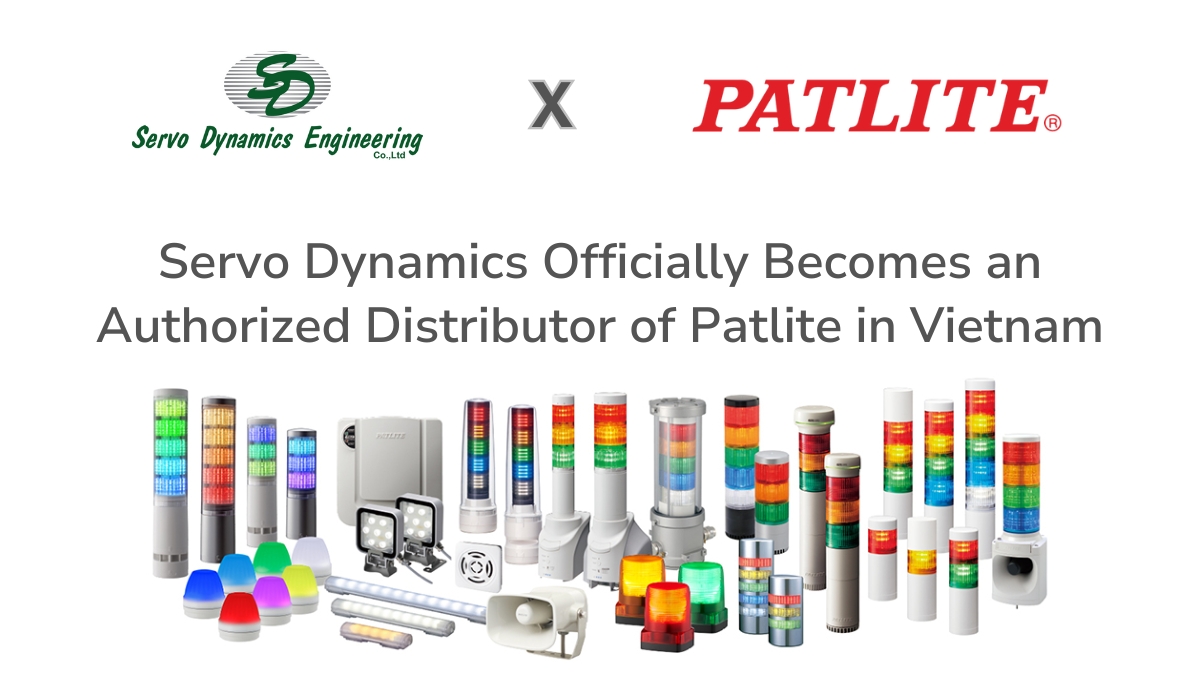
It is more than just a lighting device, PATLITE (Japan) signal tower lights represent Japanese engineering quality with outstanding advantages:
- Intelligent Network Integration: Leading the IIoT trend with tower lights supporting network protocols (Ethernet, Modbus, IO-Link, wireless), allowing real-time remote monitoring of machinery status.
- Durability that withstands the test of time: Vibration-resistant, waterproof, and dustproof sealed design (IP65, IP66, IP69K standards), ensuring stable operation in the harshest environments such as food processing plants, chemical plants, or precision engineering.
- Exclusive Lens Design: Diamond-cut lens technology enhances brightness and provides a 360° viewing angle, ensuring clear signals even at long distances or under strong light.
As the official authorized distributor of PATLITE in Vietnam, Servo Dynamics Engineering is committed to delivering true value to our customers’ production lines through:
- 100% genuine products: Complete CO/CQ certificates from the manufacturer.
- In-depth technical consulting: Our team of engineers assists in selecting the optimal model, from signal towers and beacons to MP3 annunciators.
- Dedicated after-sales support: Genuine warranty and readily available stock optimize delivery times and minimize downtime for businesses.
Explore more products from PATLITE
Read more
In modern manufacturing and industrial automation environments, stack lights serve as the most essential visual [...]
Are you looking for reliable, high-quality signal and warning solutions for your factory, production line, [...]
Patlite is a global leader providing visual and audible signaling solutions for industrial environments. Understanding [...] 
Top Popular Stack Lights Brands: Patlite Tower Light Review
Nov

Patlite Product Catalog: Signal Towers, Audible Alarms, and Premium Work Lights
Oct
Guide to Reading Patlite Tower Light Product Codes
Nov